
Instant Games
Goa Game Wingo
Goa Game Wingo is a short-period format with colour and number options. This guide covers the timer, the history table, and why past rounds do not set the next result.
Artwork is promotional. Game results are not guaranteed.
About Wingo
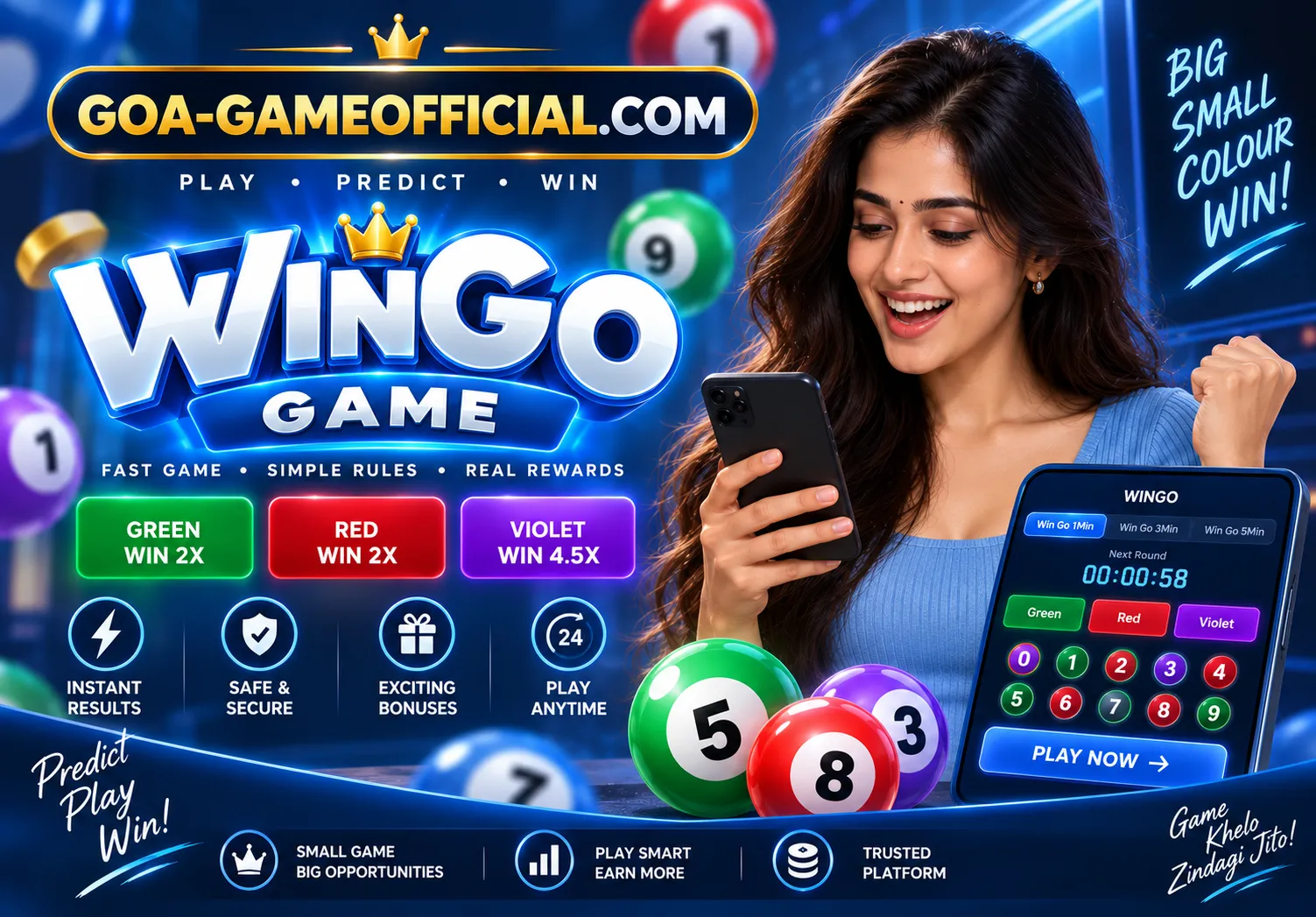
Goa Game Wingo is a short-period format. The screen can show a timer, colour buttons, the numbers 0 to 9, and a history table of periods that already closed. You pick an option the current version offers, confirm it before the timer ends, and then read the result published for that period. Colour and number are not automatically the same choice. The label tells you which one you selected.
Result history is a record. It is not a way to fix the next colour or the next number. A colour that showed up less often in the last few rows is not waiting its turn. The screen layout is also covered in how the selection screen works. The longer Wingo notes are in the Wingo article. A related colour format is Colour Prediction.
How the Game Works
01
Pick the period length
If the screen shows more than one timer, such as a one-minute tab and a longer tab, choose the period you mean to join. Each tab keeps its own countdown and its own history.
02
Choose a colour or a number
Use the colour buttons or the numbers 0 to 9 that this version actually shows. Do not assume a colour stands in for a number unless the rules on that screen say so.
03
Confirm before the timer ends
The countdown is the closing time. A tap after it reaches zero is for a different period, or it is rejected. Read the confirmation state before you leave the screen.
04
Read the published result
The result names the colour, the number, or both, according to that version. Compare it with the option you confirmed, not with a guess you meant to tap.
05
Leave the next period alone
When the next countdown starts, it is a new period. The row that just landed in the history table does not decide it.
How a Wingo round works
Wingo is organised as a series of short periods. One period opens, accepts selections, closes, and publishes a result. The following period repeats that sequence with a new timer. Speed is the main difference from a slower lottery page. Speed does not add a pattern.
If you switch from a one-minute tab to a longer tab, look at the history again. The rows you were reading belong to the tab you left. Mixing those rows is a common way to misread the screen.
How to read the history table
The history table lists completed periods. A row can show a period identifier, a number, and a colour. That row answers “what already happened.” It does not answer “what happens next.” Counting colours down the table is a description of the past, not a forecast.
Use the table to confirm the period you joined has a published result. Match the identifier. A similar colour in a nearby row is a different period.
How Wingo differs from Colour Prediction
Colour Prediction is organised around colour options. Wingo often places colours and the digits 0 to 9 on the same screen, with a visible period timer. If both are available, they are still separate selections. Tapping green is not the same action as tapping 7 unless the rules join them.
Neither page treats a quiet colour as a colour that must appear. The Wingo article stays on the timer and the table. The colour page stays on the due-colour mistake.
What the Wingo screen can include
- A period length and the time left before it closes
- Colour choices shown as separate buttons
- Number choices from 0 to 9, when that version includes them
- A history table of earlier periods
- Rules text that defines what each button means
Frequently Asked Questions
Related games

Lottery
K3 Lottery
Goa Game K3 Lottery is a three-number format. Learn how a period opens, which combinations the screen can offer, and where that period's result is shown.
Read guide
Lottery
5D Lottery
Goa Game 5D Lottery is a five-digit number format. See how positions are compared, what a partial match means, and where the period result is published.
Read guide
Prediction
Colour Prediction
Goa Game Colour Prediction explains colour selections, the closing time, and why a colour that appeared less often is not due to appear next.
Read guide