
Games
Wingo Game Guide
How a Goa Game Wingo timer, colour buttons, number row, and history table fit together, and why the table does not set the next period.
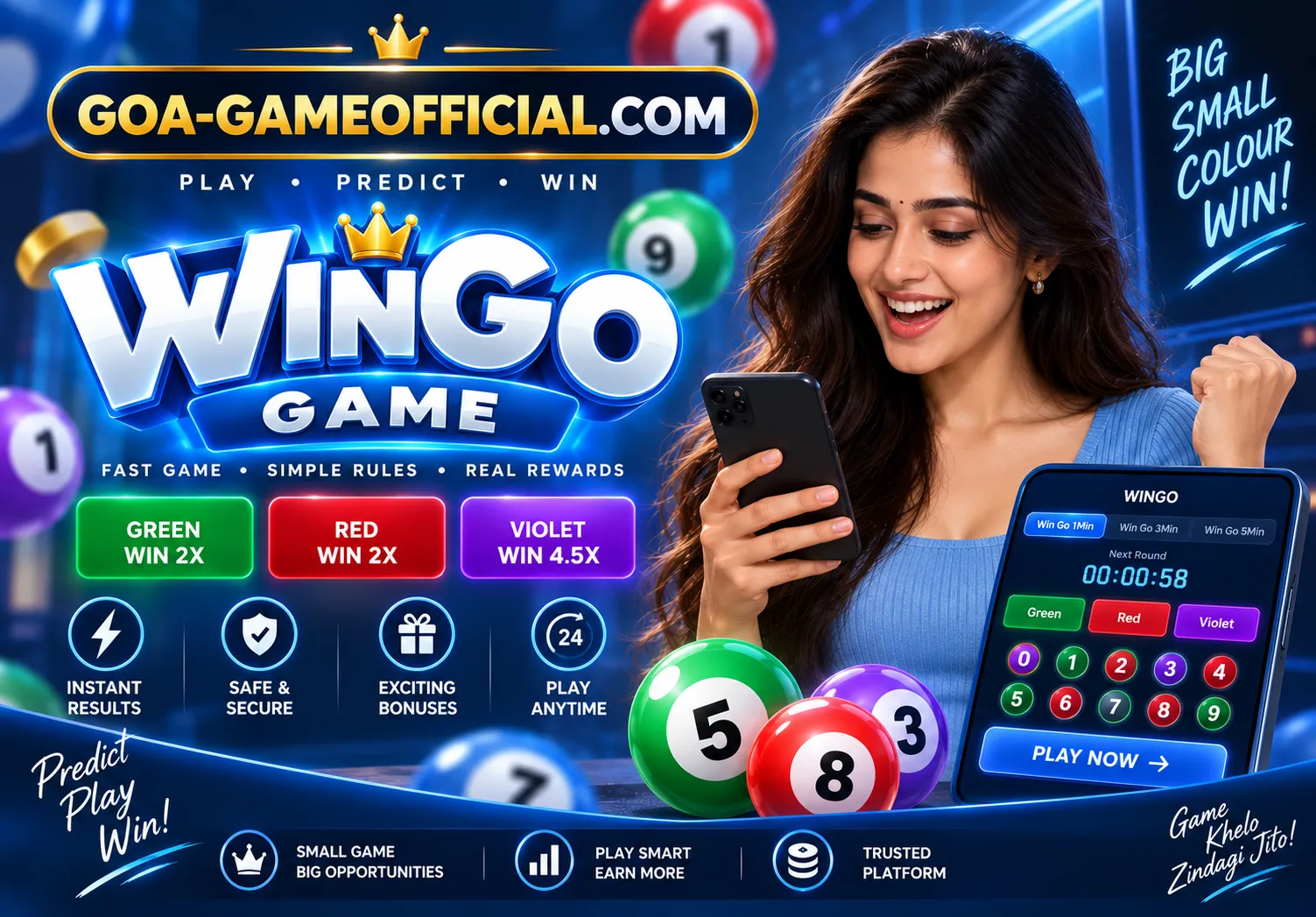
Wingo on Goa Game is a short-period screen. The Wingo page explains the round. The selection screen article shows the Win Go layout with colours, numbers, and a history table. This guide connects those pieces so the timer and the table are not read as one prediction.
One tab, one clock
A one-minute tab and a longer tab are different periods. Each has a countdown and a history. When you change tabs, the rows on screen change with them. A result you remember from the one-minute table is not evidence about the longer table. Note the tab before you note the colour.
Colour and number are separate taps
Green, violet, red, and the digits 0 to 9 can appear together. Tapping a colour selects a colour. Tapping a digit selects a digit. They match only if the rules on that screen join them. Colour Prediction is the page that stays on the colour choice. Use it when the question is “is this colour due?” The answer on both pages is no.
- Confirm the selection before the countdown ends.
- Match the result to the period identifier, not to a nearby row.
- Do not count colours down the table and call the quiet one next.
- Ignore third-party “Wingo signals.” They are not this guide.
What the table is for
The history table lists periods that have closed. Use it to check that your period received a result. Then stop. The next countdown is a new period with its own result. Goa Game does not publish a live Wingo feed.
How-to next
For a numbered checklist, read How to play Wingo on Goa Game. The screenshot layout is in How the selection screen works.